How Does diff Work? The Algorithm Behind File Comparison
The diff utility uses the Longest Common Subsequence algorithm to find the minimal set of changes between two files. Here's how it works, step by step.
- diff
- algorithms
- text comparison
- unix
- version control
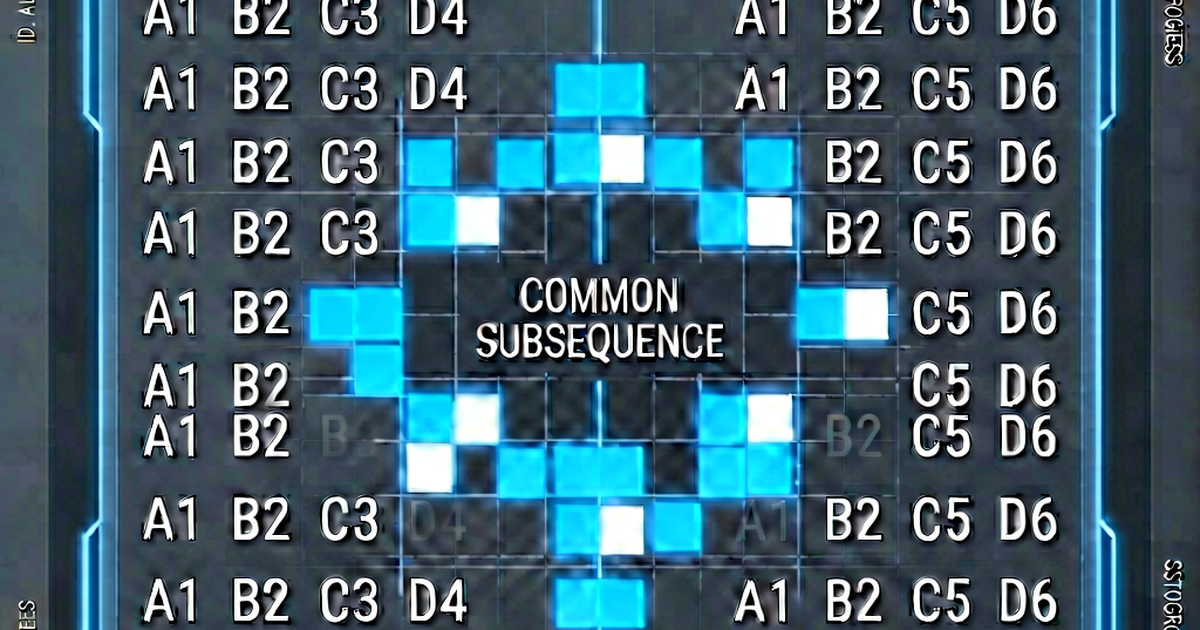

When you run diff file1.txt file2.txt or look at a git pull request, you’re seeing the output of an algorithm that solves a surprisingly deep problem: given two sequences of lines, find the minimum set of changes that transforms one into the other.
The core problem: finding differences
“Finding differences” sounds simple — just compare the files line by line. But that naive approach breaks down the moment lines are rearranged or a block is inserted. If you insert a line near the top of a 500-line file, a line-by-line comparison would report that every remaining line “changed,” which is useless.
The real goal is to identify a minimal edit script — the fewest insertions and deletions that transform file A into file B. This is known as the edit distance problem, and the lines being compared are treated as elements of a sequence.
Longest Common Subsequence (LCS)
The insight that unlocks efficient diff is: everything that didn’t change is a common subsequence of both files. A subsequence is a set of elements that appear in the same relative order in both sequences, but not necessarily consecutively.
The Longest Common Subsequence (LCS) algorithm finds the longest such common subsequence. Everything in file A that’s not in the LCS was deleted; everything in file B that’s not in the LCS was inserted.
Simple example:
File A: [A, B, C, D, E]
File B: [A, C, E, F]

LCS:    [A, C, E]

Changes:
  Deleted: B, D (in A but not in LCS)
  Inserted: F (in B but not in LCS)
The LCS approach ensures the diff reports the minimum number of changes.
The classic LCS algorithm
The standard dynamic-programming LCS solution builds a 2D matrix dp[i][j] = length of LCS of A[0..i] and B[0..j]:
def lcs_length(a, b):
    m, n = len(a), len(b)
    dp = [[0] * (n + 1) for _ in range(m + 1)]
    for i in range(1, m + 1):
        for j in range(1, n + 1):
            if a[i-1] == b[j-1]:
                dp[i][j] = dp[i-1][j-1] + 1
            else:
                dp[i][j] = max(dp[i-1][j], dp[i][j-1])
    return dp[m][n]
This runs in O(m × n) time and O(m × n) space. For large files (thousands of lines), this is expensive.
The Myers diff algorithm
The original Unix diff and virtually all modern diff tools use the Myers diff algorithm, published by Eugene Myers in 1986 (A file comparison program). It’s more efficient than the classic LCS approach:
- Time: O((m + n) × d), where d is the number of differences
- Space: O(d²) or O(d) with optimizations
The key insight: instead of building the full LCS matrix, Myers searches a “edit graph” for the shortest edit path — moving right means deleting from A, moving down means inserting from B, and diagonal moves (matching lines) are free.
Myers uses a “greedy” search along diagonals, extending matching sequences as far as possible before making an edit. In practice, this runs very fast when the files are similar (small d).
What diff outputs
The classic diff tool presents its results in one of three formats:
Normal format (default):
2,3c2
< B
< C
---
> X
Read as: “lines 2-3 of file 1 changed to line 2 of file 2.”
Unified format (diff -u):
@@ -1,5 +1,4 @@
 A
-B
-C
+X
 D
 E
Lines starting with - are from file A (deleted); + from file B (added); space means unchanged context. This is the format used by git diff and pull requests.
Side-by-side format (diff --side-by-side):
A               A
B             <
C             <
D               D
                > X
E               E
How git diff extends this
git diff uses the Myers algorithm by default, but exposes several alternative algorithms via --diff-algorithm:
myers(default) — Eugene Myers’ algorithmpatience— better at handling moved blocks; used by Bazaar, now optional in githistogram— extension of patience, used by JGit; often better for refactored codeminimal— guaranteed smallest edit, slower
You can set the default algorithm:
git config --global diff.algorithm histogramWord-level and character-level diff
Standard diff operates on lines. Some tools extend this to words or characters:
# git's word diff:
git diff --word-diff

# wdiff (word diff utility):
wdiff file1.txt file2.txt
This is useful for prose: a one-word change in a long paragraph shows the single changed word rather than the entire line.
See it in action
Online tools like textdiff.pro apply the Myers algorithm directly in the browser — paste any two texts and see the diff with added/removed sections highlighted.
Related reading
-
Myers Diff Algorithm: How git diff Finds Changes
A developer-friendly explanation of the Myers diff algorithm — the O((n+m)d) approach that powers git diff, unified diffs, and most modern code review tools.
-
git diff Explained: Every Common Usage with Examples
A practical reference for git diff — comparing working tree, staged changes, branches, commits, and specific files. Includes output format and useful flags.
-
Unified Diff Format: How to Read and Write Patch Files
The unified diff format (diff -u) explained: hunk headers, context lines, applying patches with the patch command, and common gotchas.